
 Developers
How to Create Your B3 Global Account
Your B3 Global Account is your single sign-on identity across all B3 products. You can create it using an EVM wallet, email, phone, or social login.
Creating Your B3 Global Account
2
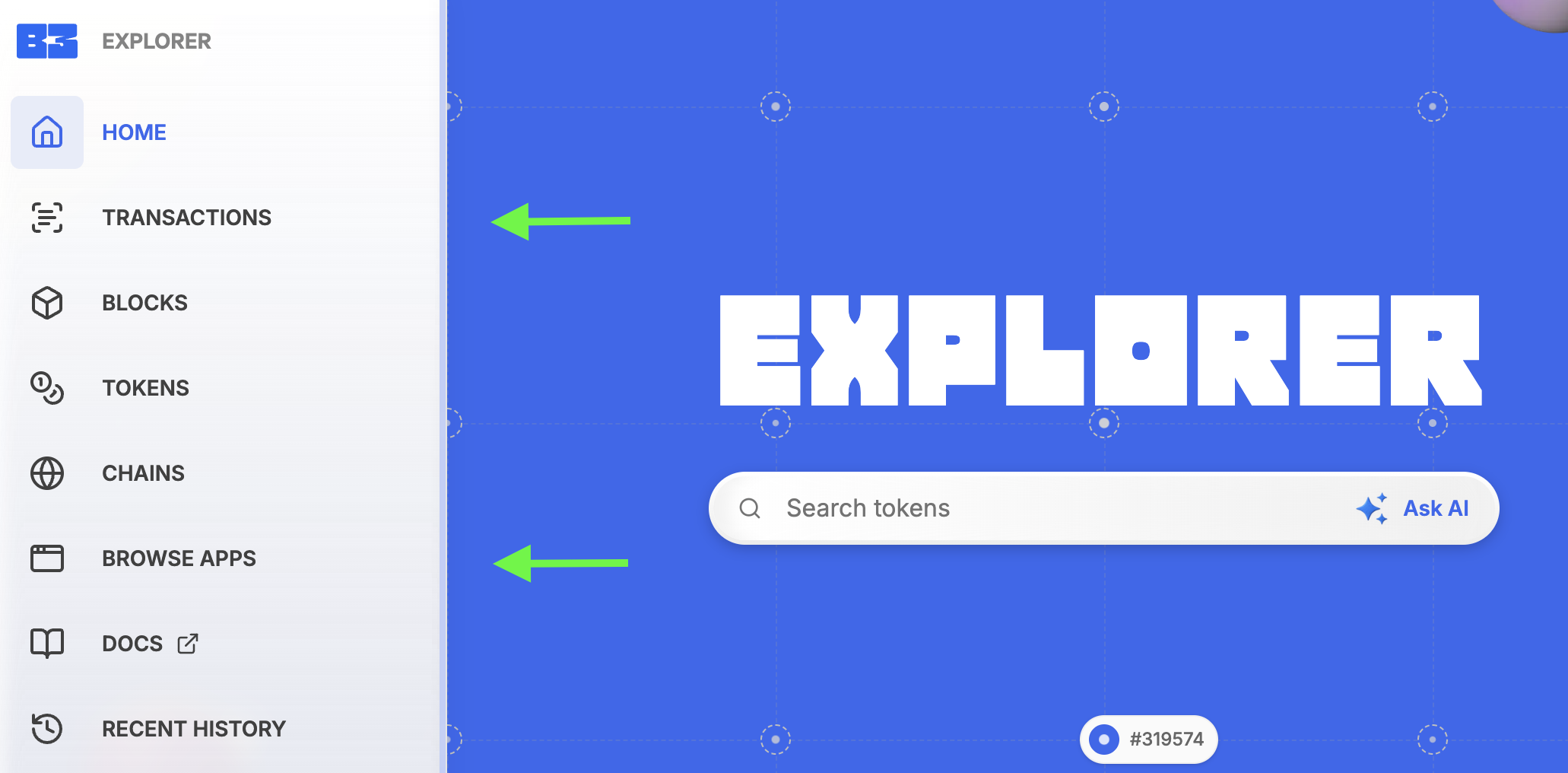
Open the Sidebar
On the left side of the page, hover to expand the sidebar. Select any option (such as Transactions or Browse Apps) to reveal the sign-in option.
3
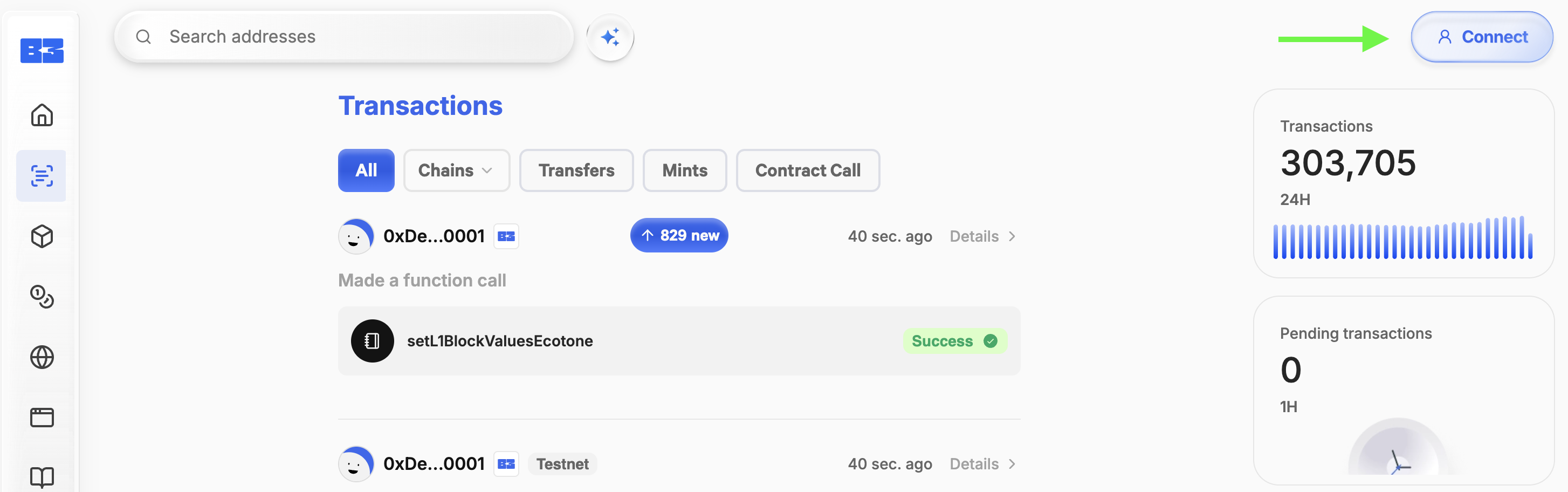
Connect Your Account
In the top-right corner of the screen, click Connect.
4
Choose a Login Method
- Wallet (MetaMask, WalletConnect, etc.) - Approve the connection request in your wallet.
- Social / Email / Phone - Follow the verification process appropriate for your login method (e.g., email confirmation, SMS code, or social login authorization).
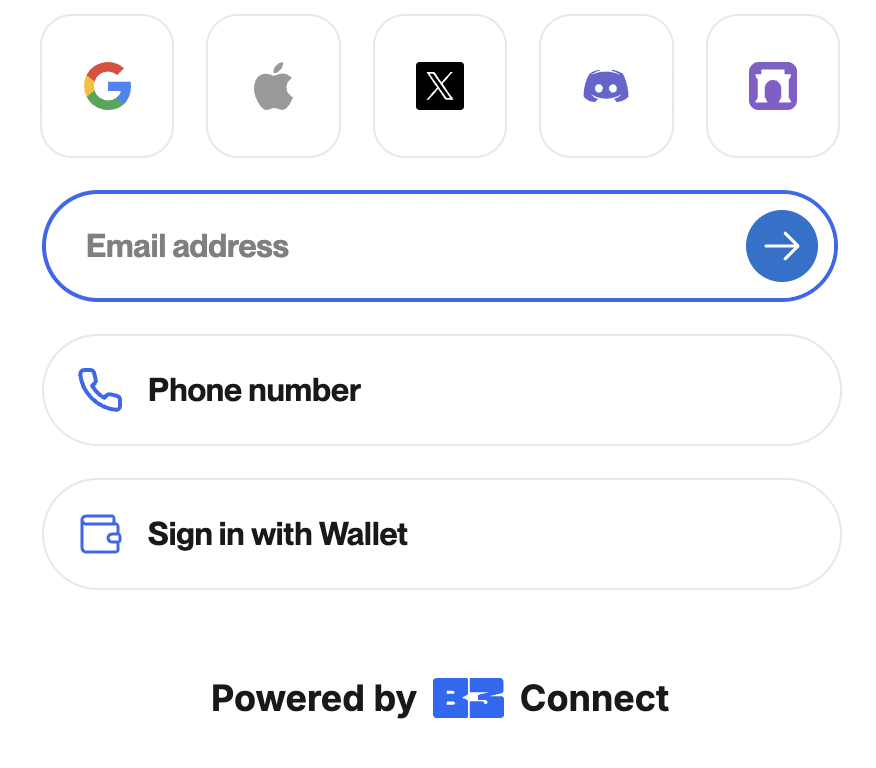
Once verified, your B3 Global Account will be created and you’ll be signed in.
FAQ
No. You can sign up with a wallet, email, phone, or social login. If you choose to sign in without a wallet, an embedded wallet will automatically be created for you in the background. This ensures you’ll still have a wallet connected to your account, even if you didn’t bring your own.